.png)
.png)
.png)
.png)
.jpg)
Fill out our support forms for personalized answers.
If any questions are left, you can fill out our support forms and soon enough our team will directly answer you.
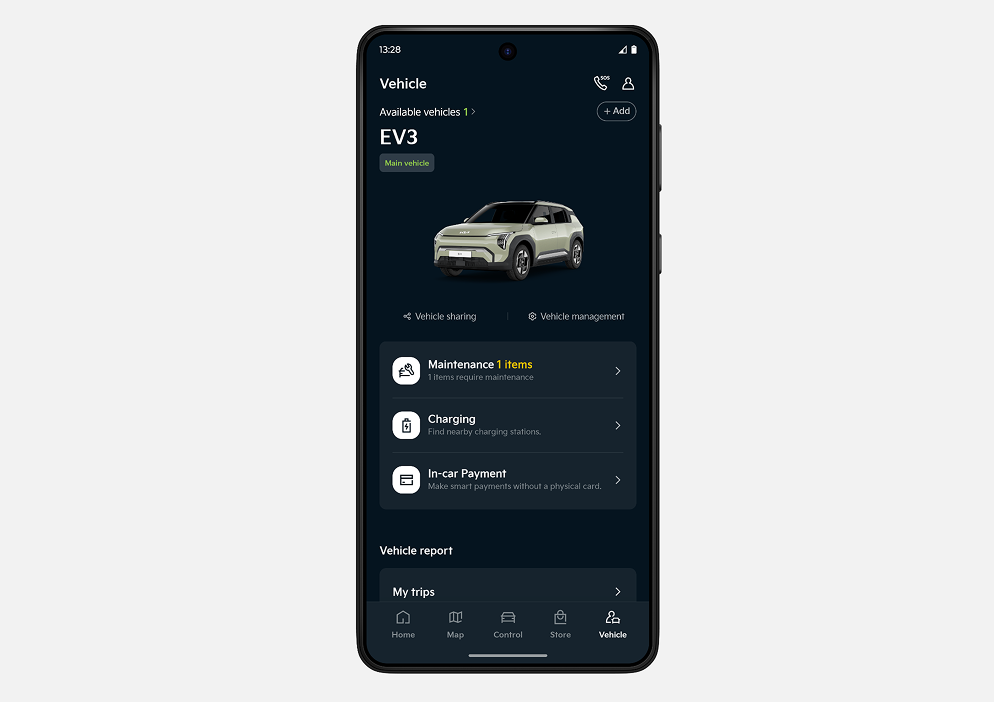
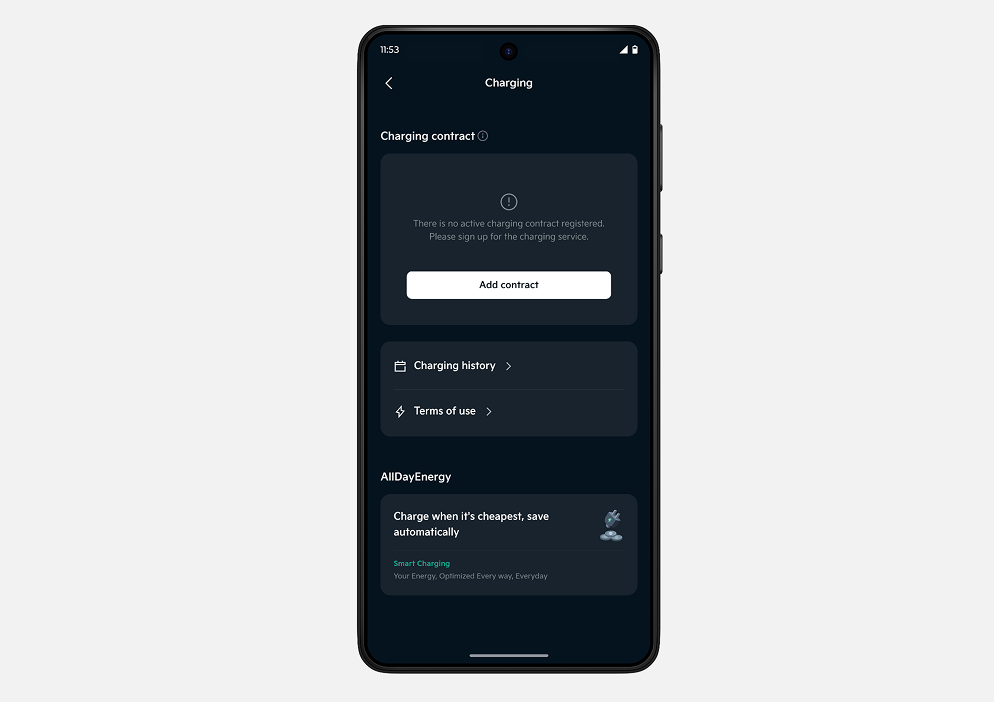
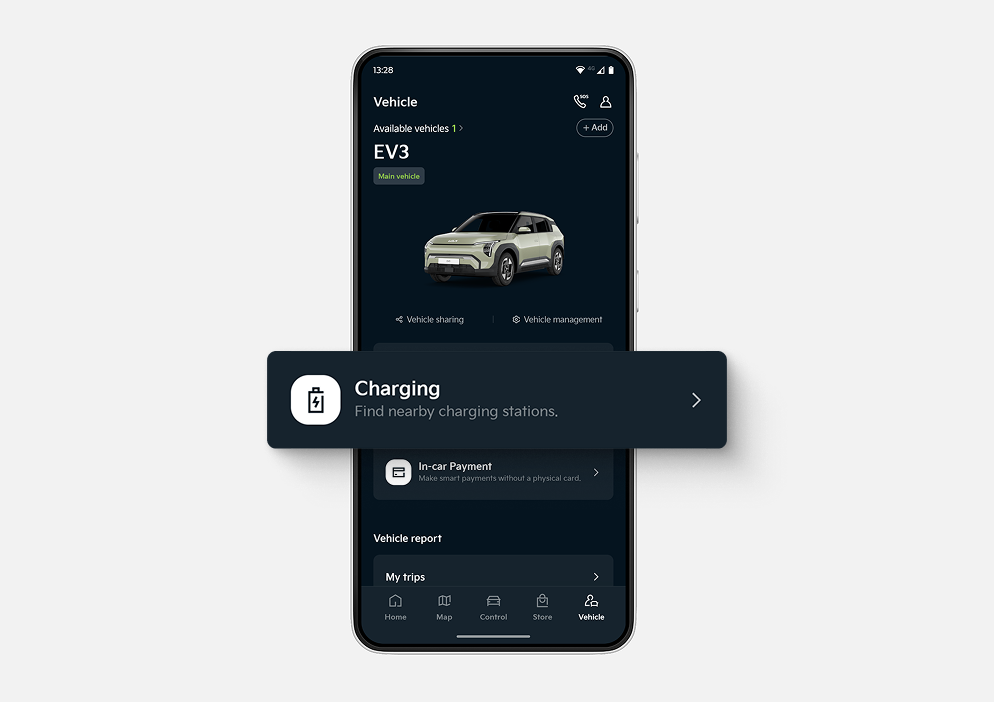
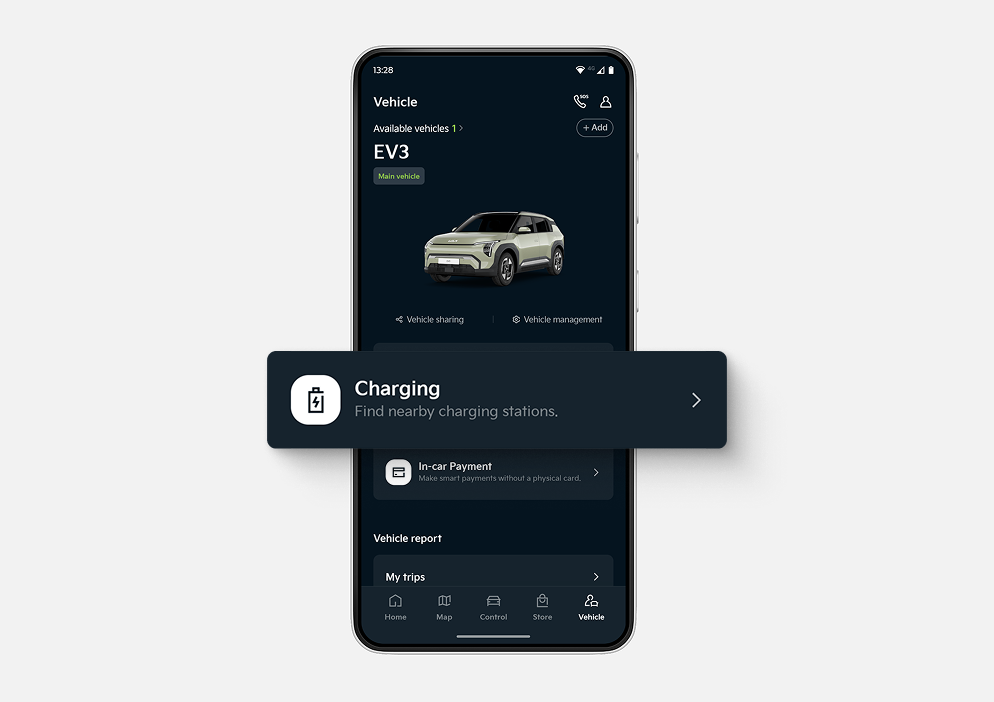
✔ Go to the Vehicle page and tap Charging.
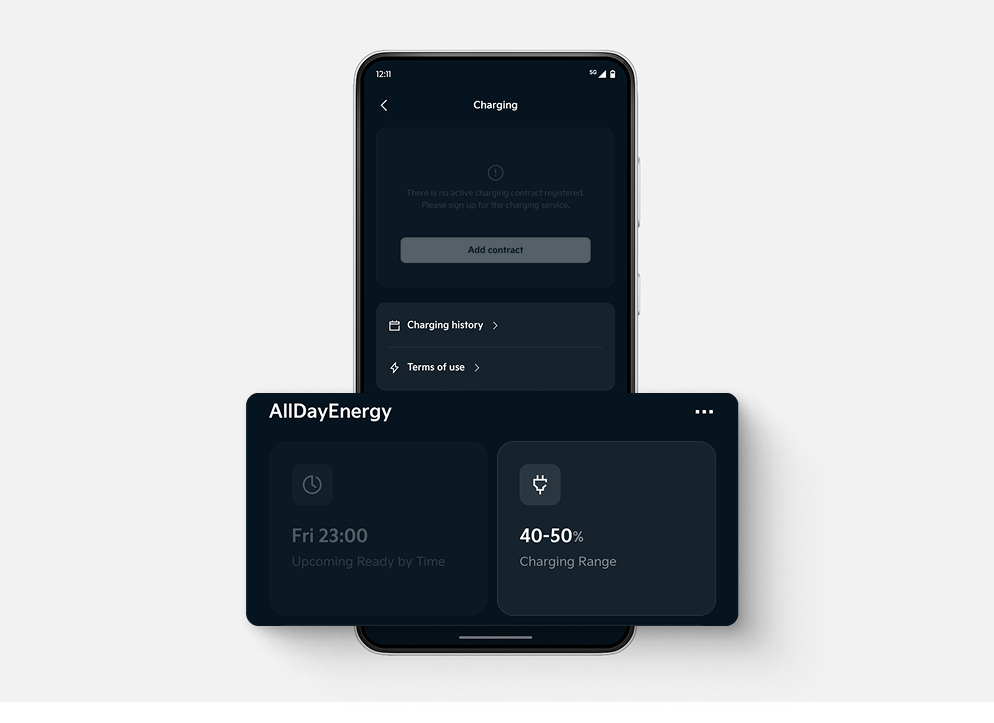
✔ On the Charging page, locate the AllDayEnergy banner and tap to Start.
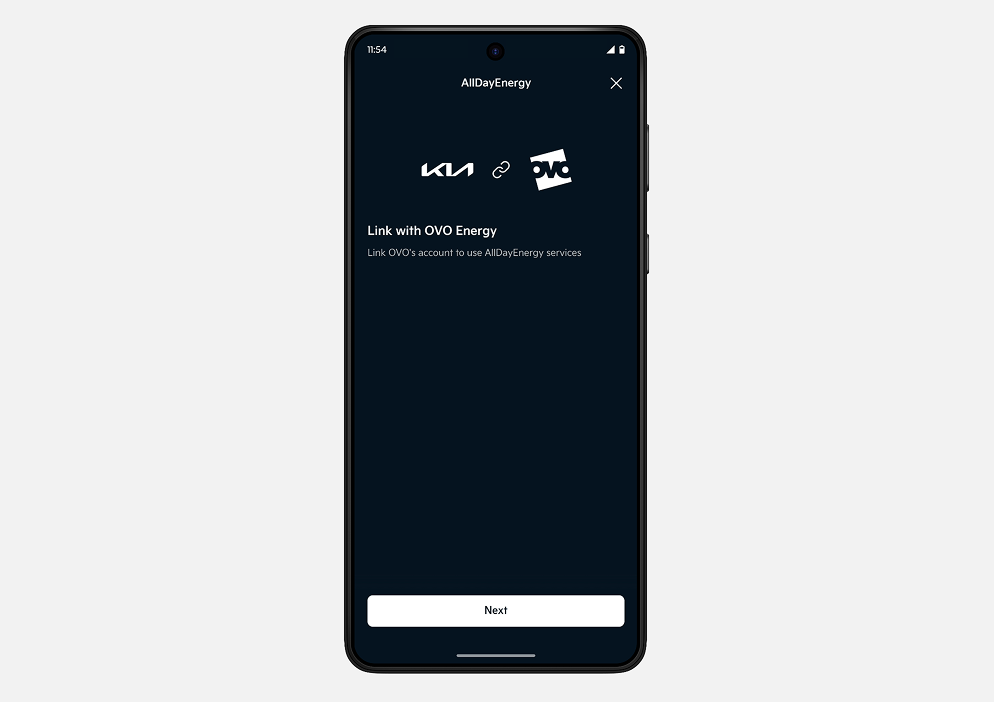
✔ Tap Next to continue.
✔ Tap Next again.
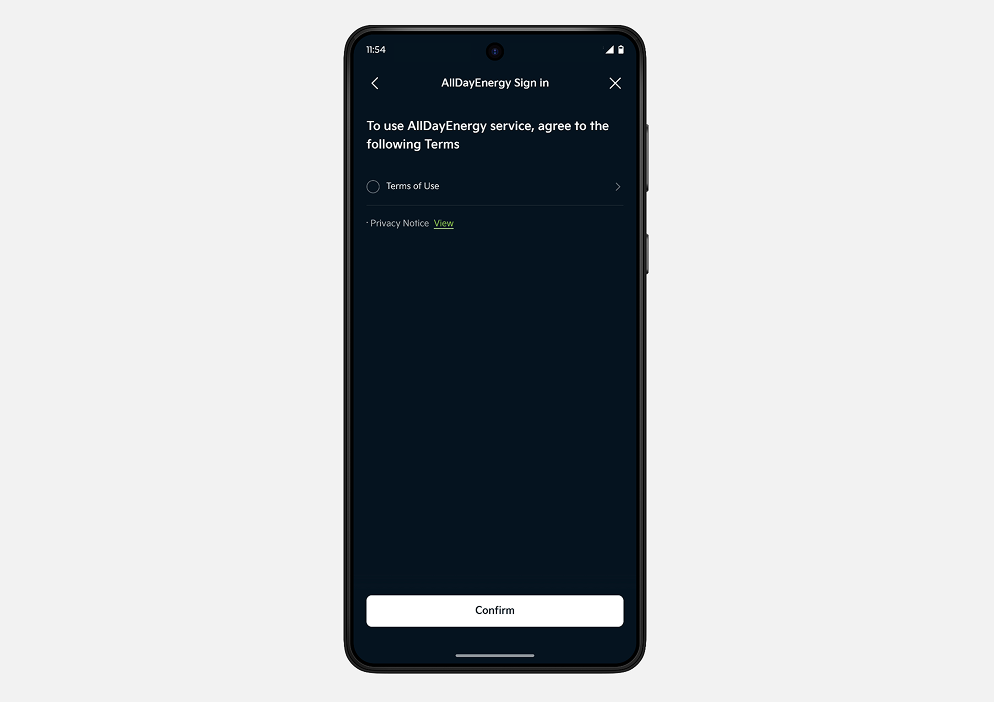
✔ Review and accept the Terms of Use (ToU) and Privacy Notice (PN), then tap Confirm.
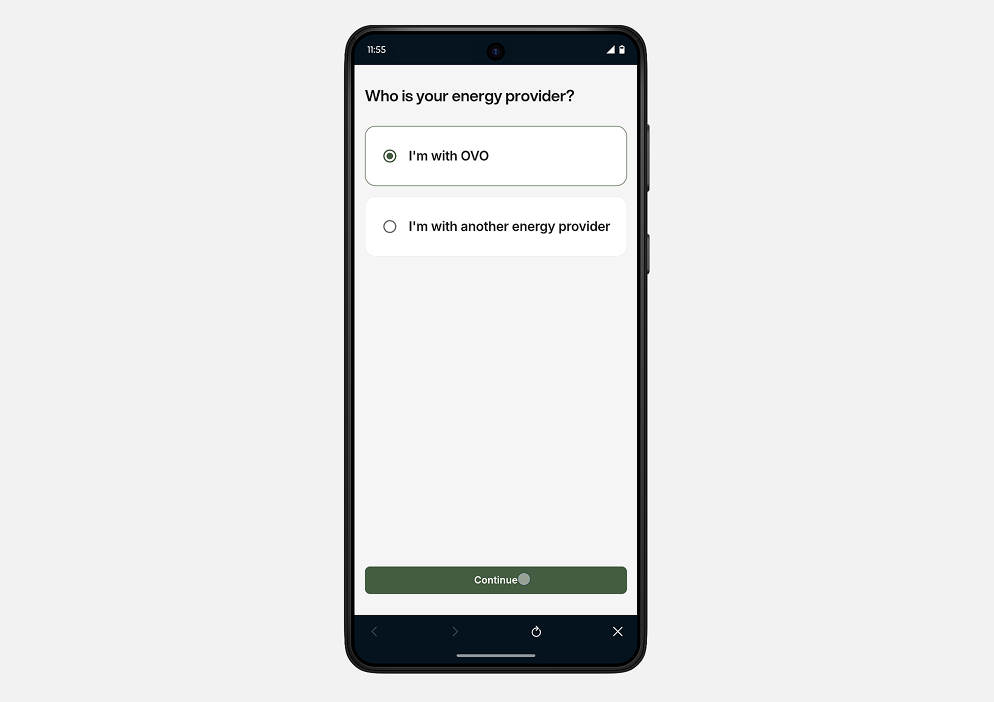
✔ You will be redirected to the web view. Select "I'm with OVO" if you already have an OVO account.
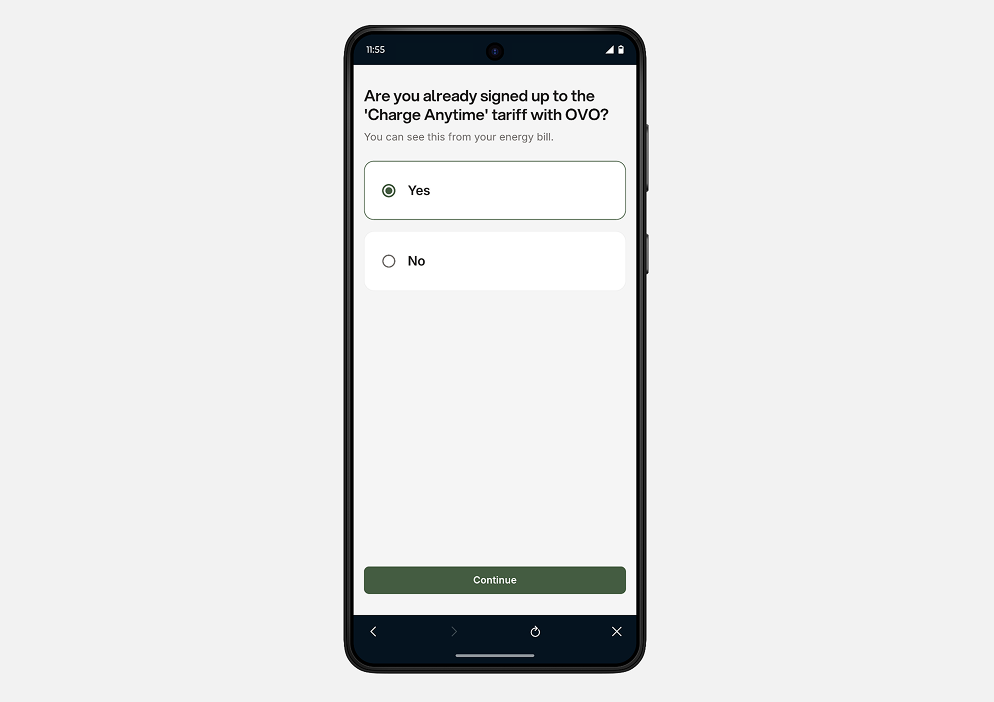
✔ Select "Yes" if you are already enrolled in OVO's Charge Anytime tariff.
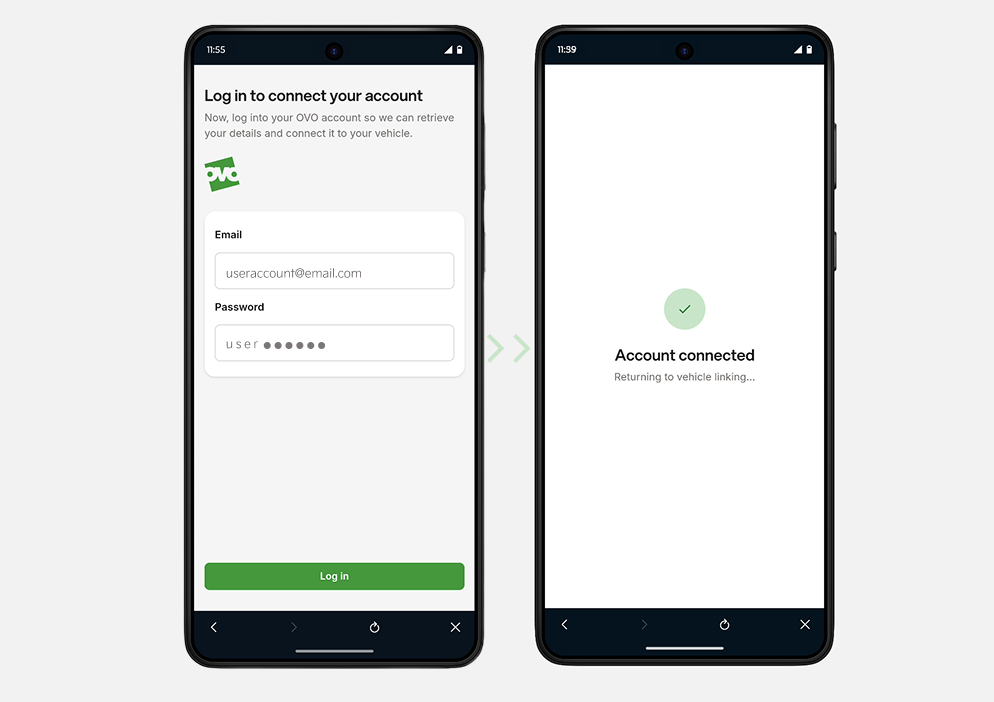
✔ Sign in using your OVO account credentials and wait for the account connection to complete.
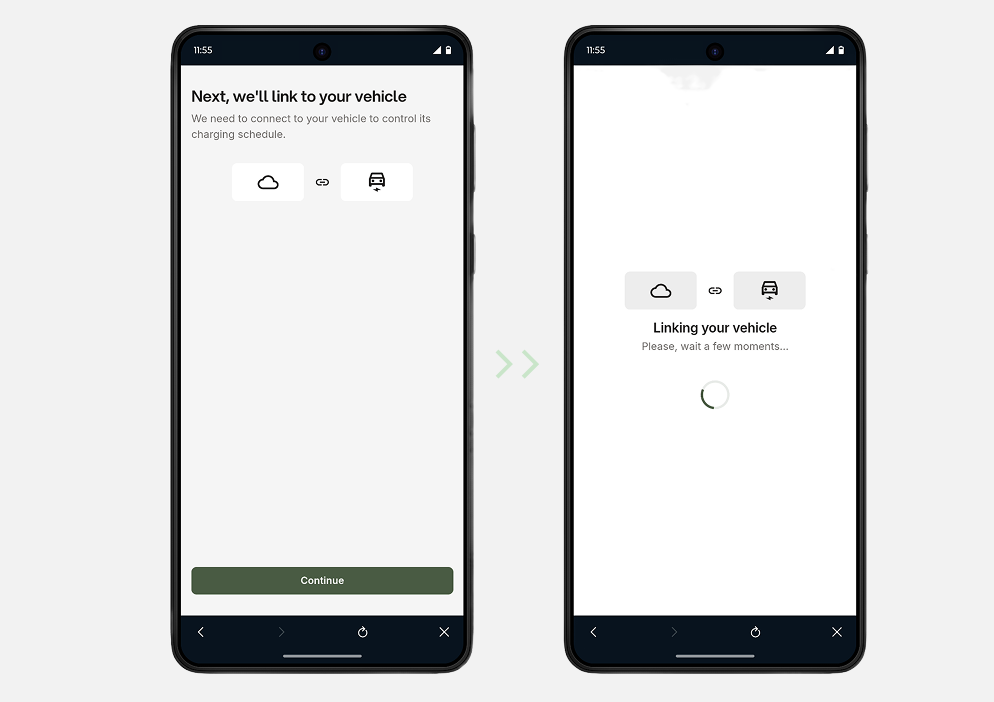
✔ Tap Continue and allow the system to link your energy account to your vehicle.
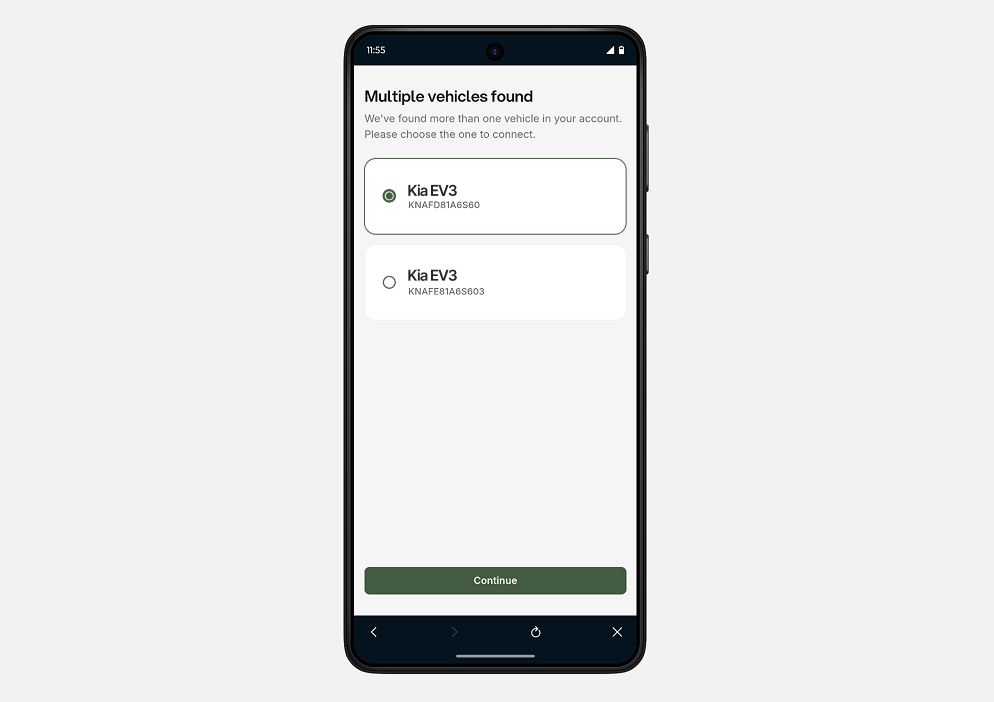
✔ Select the vehicle that you would like to link to the energy account.
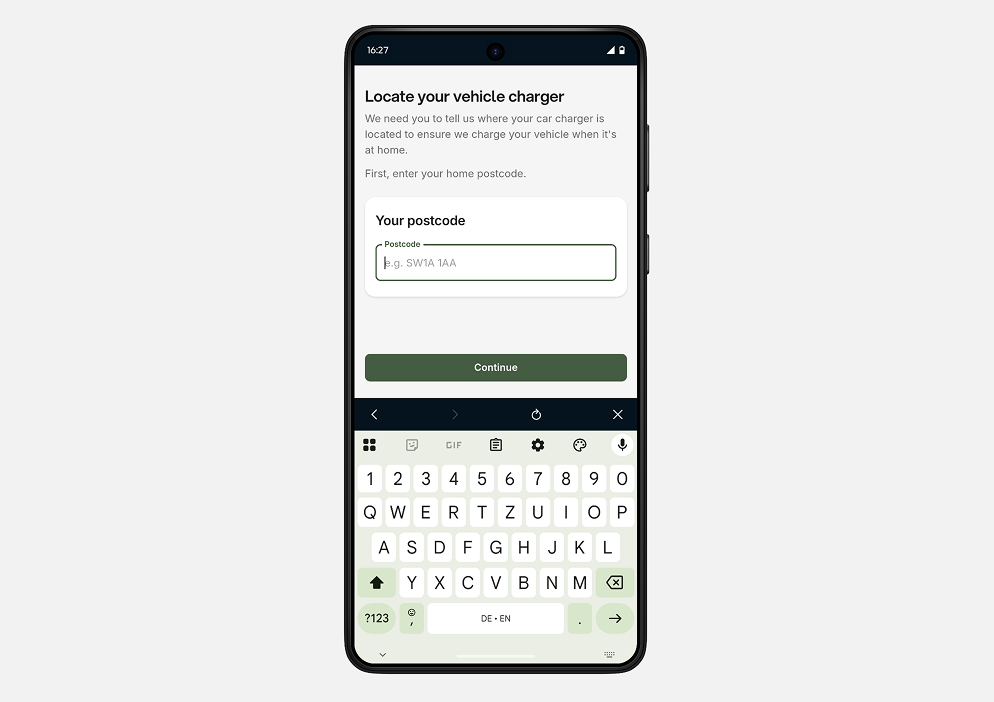
✔ Enter your postcode.
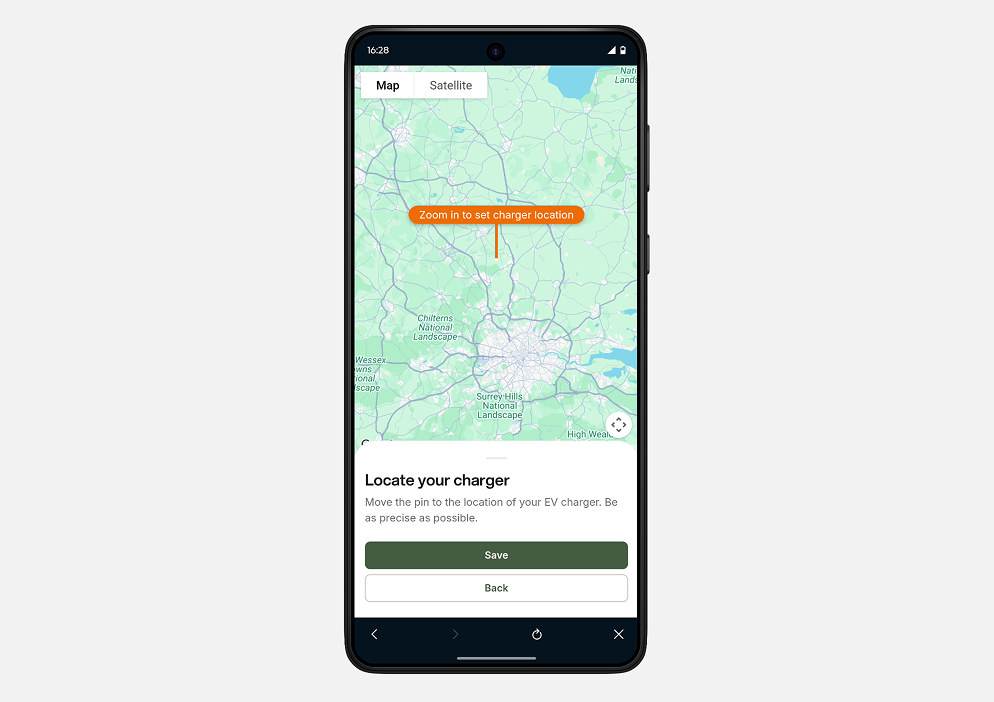
✔ Locate your charger on the map and ensure the location is accurate. The geofence feature will be disabled if the charger is located more than 100 metres from the selected location.
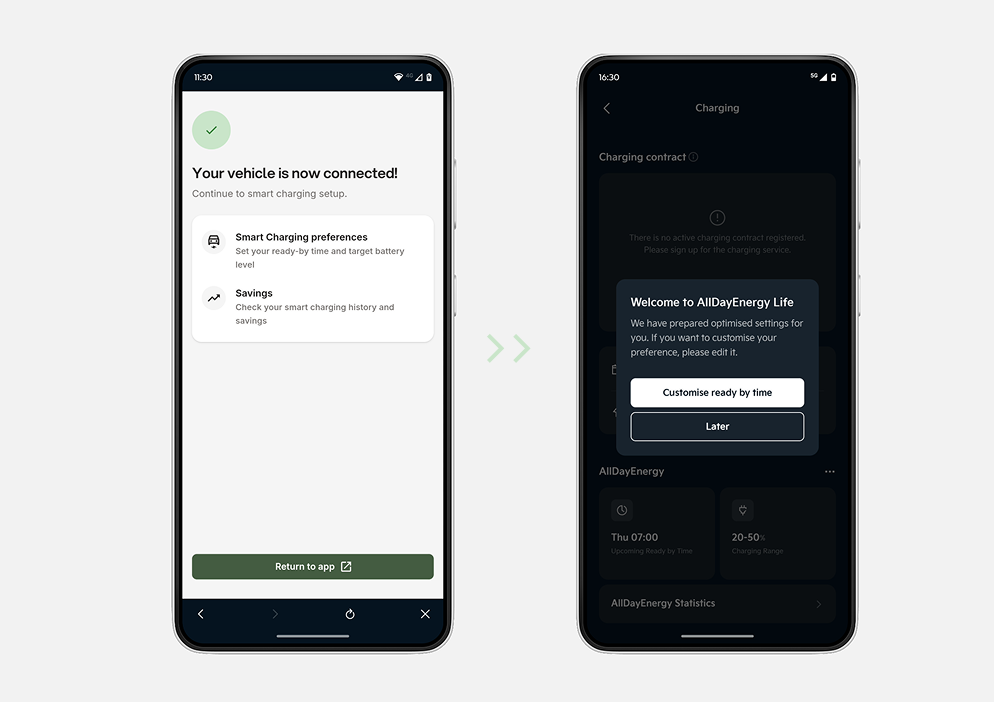
✔ Your vehicle and energy account have been successfully linked. You may now return to the app or close it.
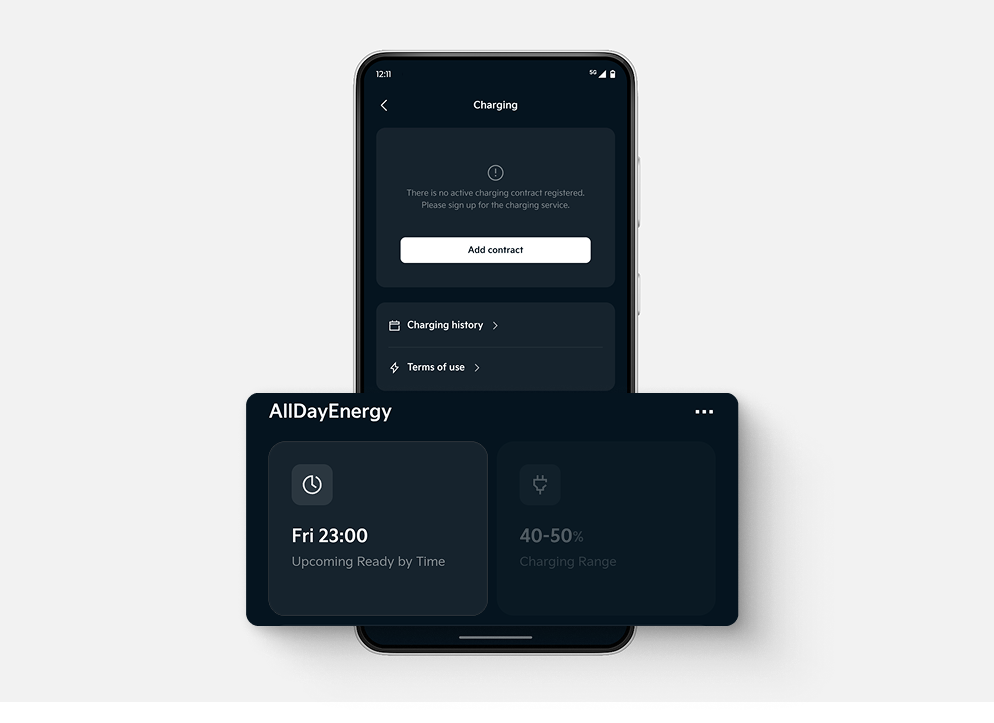
✔ Open Kia App and tap on Vehicle on the lower bar menu then tap Charging
✔ Scroll down and select the charging range widget on the right under AllDayEnergy.
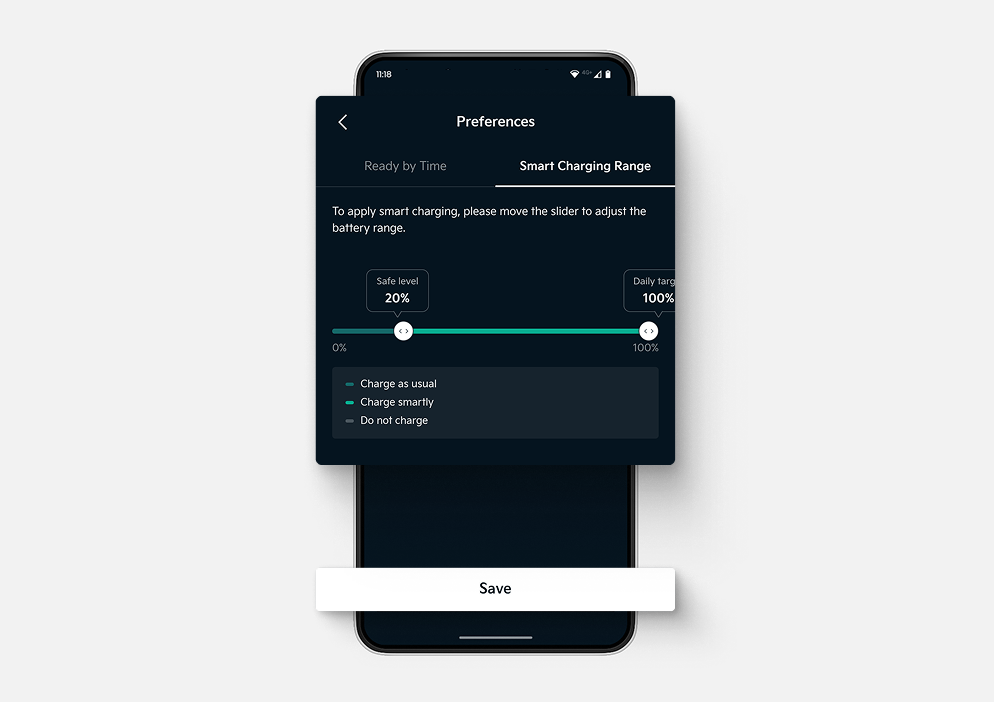
✔ Set your Safe Level and Daily Target. Charging between these levels will be optimized to help improve efficiency, then tap Save.
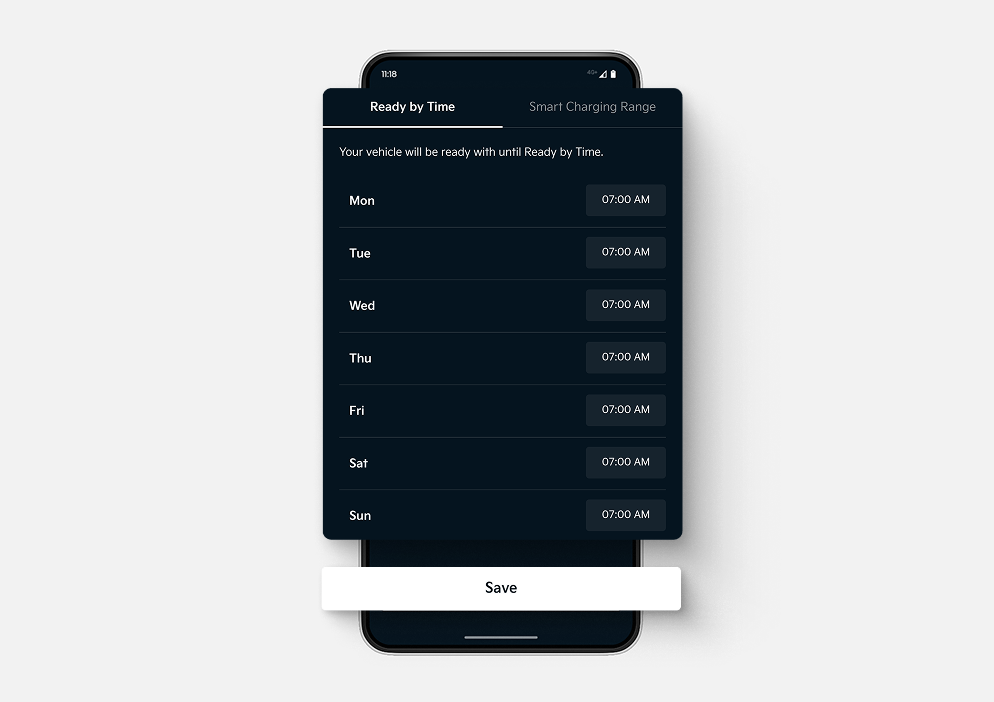
✔ Open Kia App and tap on Vehicle on the lower bar menu then tap Charging
✔ Scroll down and select the time/date widget on the left under AllDayEnergy.
✔ Choose the time and weekday when charging should be ready, then tap Save.
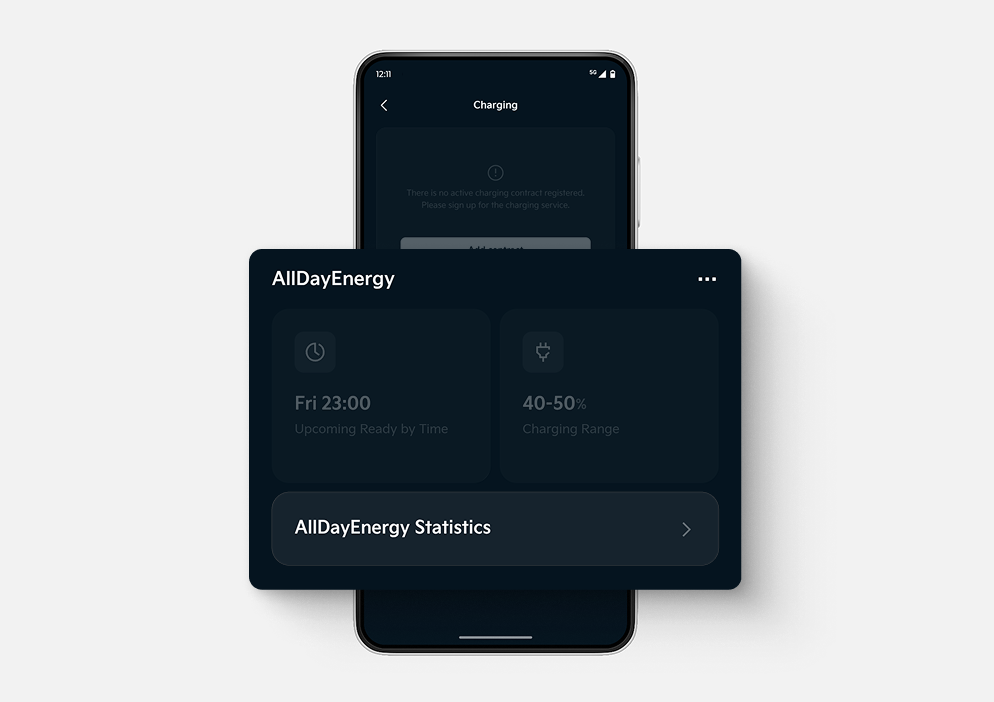
✔ Open Kia App and tap on Vehicle on the lower bar menu then tap Charging
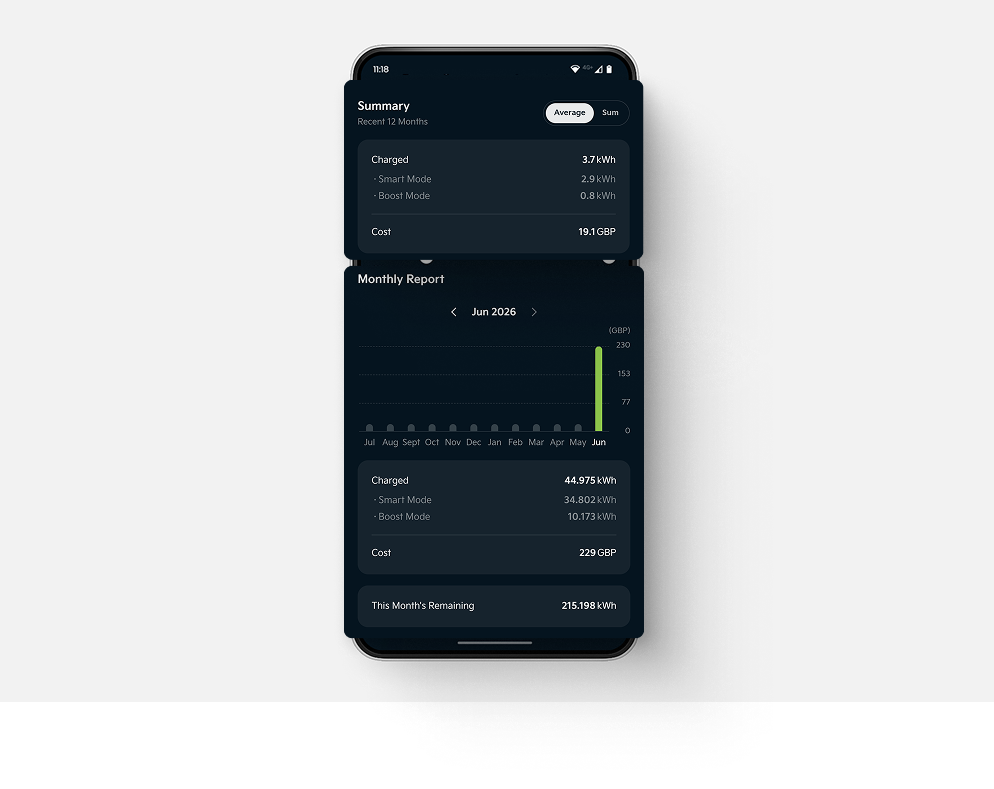
✔ Scroll down and tap AllDayEnergy Statistics.
✔ Review your charging history, energy usage, charging costs, and remaining energy.
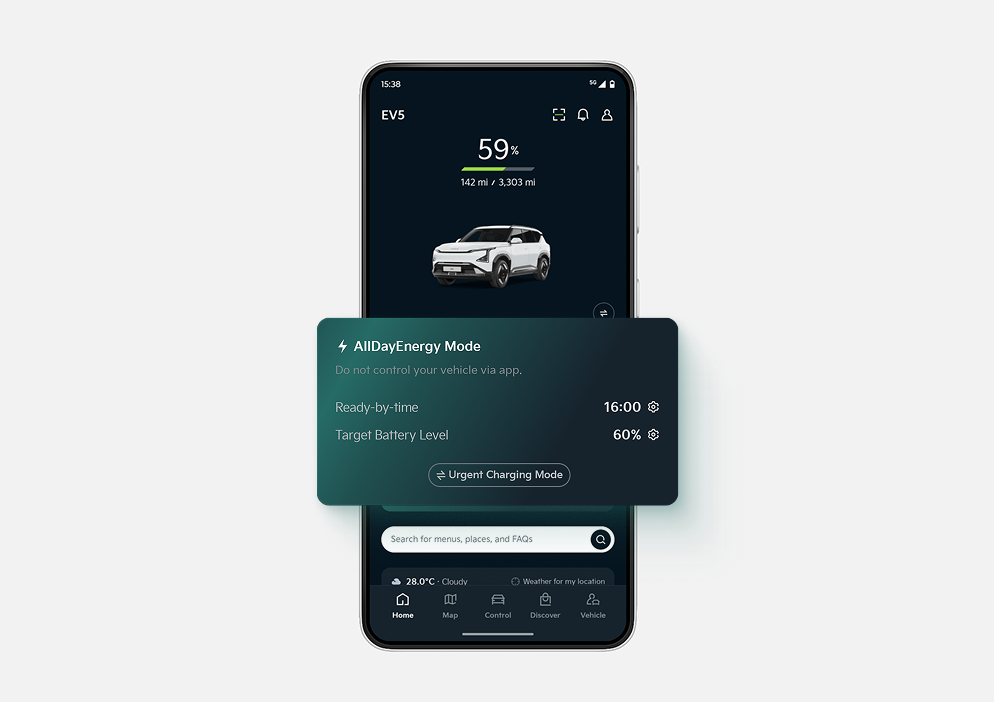
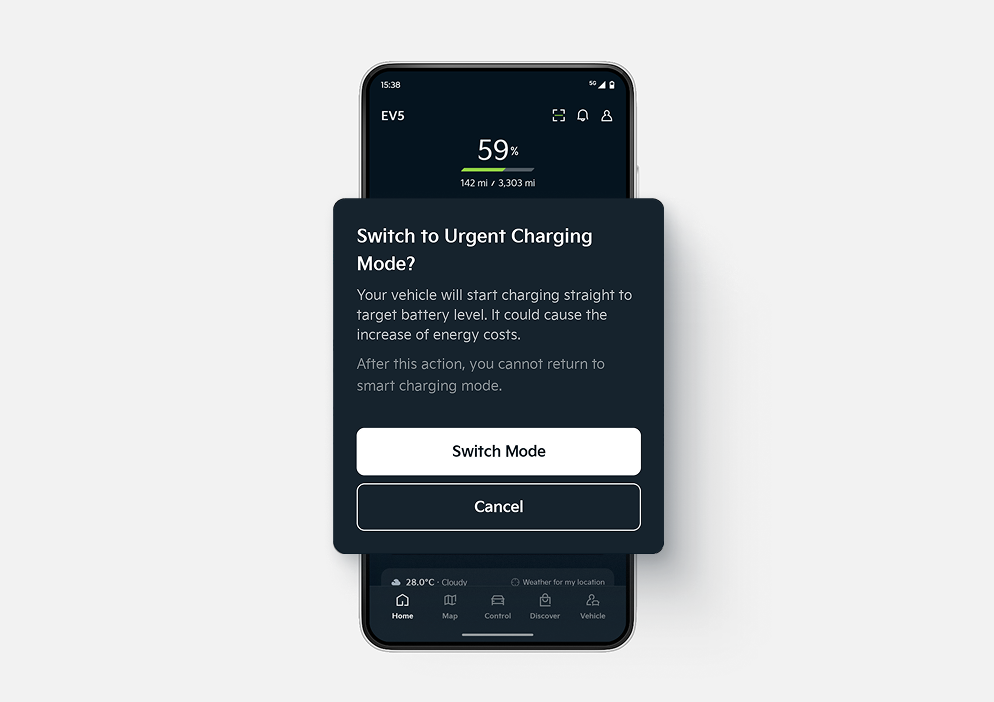
✔ Open the Kia App and tap Urgent Charging Mode in the AllDayEnergy widget.
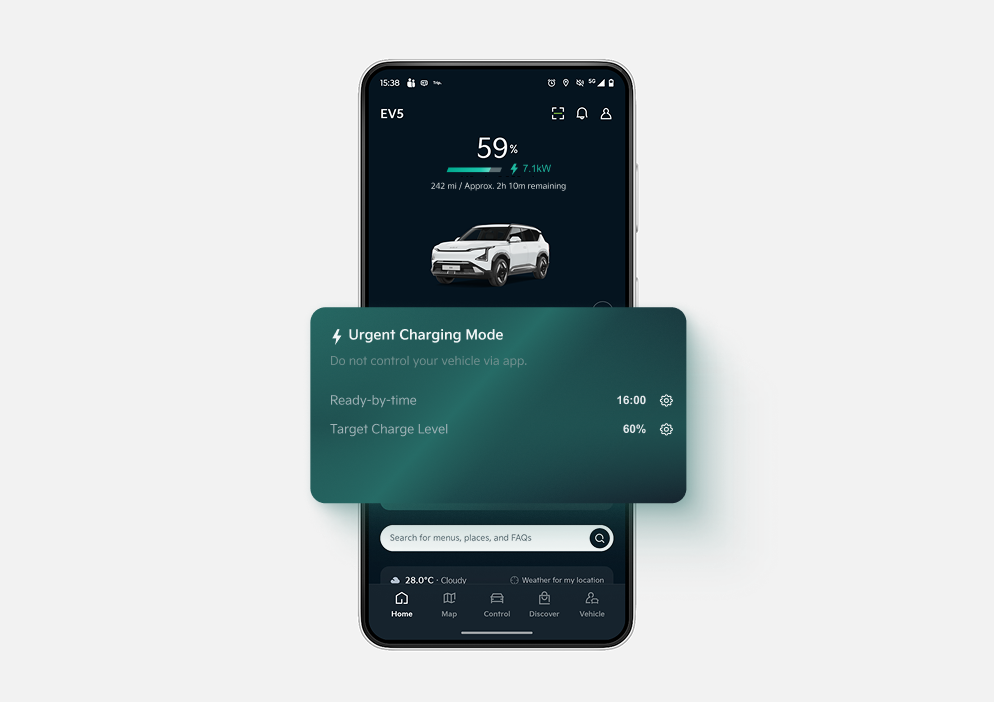
✔ Switch Mode to temporarily override your AllDayEnergy charging settings.
✔ Your vehicle will start charging immediately, ignoring the current AllDayEnergy rules.
If any questions are left, you can fill out our support forms and soon enough our team will directly answer you.